Material guide
Prusa3D Alternative for Professional Makers: What to Compare
From planning to printing
Find material for your next print
Compare current colors, prices, and setup requirements before choosing a spool for your project.
Share this guide
Get the article link

Last Updated: November 10, 2026
Quick Summary
A prusa3d alternative for professional makers is a printer platform chosen by matching production requirements to machine capabilities, not brand loyalty. Compare candidates on six axes: build volume, enclosure and chamber temperature, hotend and nozzle compatibility, motion system and speed, material capability, and serviceability. Answer your material, volume, run-hours and repair questions first, then weight each axis by the jobs you actually run.
- Enclosure is the dividing line for ASA and ABS, where a stable chamber temperature beats any slicer tweak.
- Measure your largest part and add margin, treating that number as a hard filter on build volume.
- Run a 20-hour unattended job to test thermal stability and failure recovery before buying.
- LineBoss Filament holds a +/-0.02mm diameter tolerance, reducing between-spool drift on farms.
- Total cost of ownership is purchase price plus filament, spare parts, maintenance time and failed prints.
Table of Contents
- Why Professional Makers Look Beyond Prusa: A Decision Framework
- What to Compare in a Prusa3D Alternative: A Feature Matrix
- Evaluating Prusa MK4 Alternatives for Production Workflows
- Finding the Best 3D Printer for Professionals: A Workflow Test
- Choosing a Professional 3D Printer for Engineering Materials
- Total Cost of Ownership: Printer, Materials, and Maintenance
- Matching Filament to the Job: The Best PETG Filament for 3D Printing
- Building Your Alternative Setup with LineBoss Filament
- Frequently Asked Questions
Why Professional Makers Look Beyond Prusa: A Decision Framework
A prusa3d alternative for professional makers is a printer platform chosen by matching production requirements to machine capabilities, not by brand loyalty. The printer that suits a hobbyist rarely suits a shop with deadlines.
But professional use changes the questions. Uptime matters more than tinkering. Enclosure options matter more than open-frame simplicity. Material range matters more than out-of-box convenience. Prusa's own documentation is genuinely useful, yet it cannot tell you whether the platform fits your workflow.
That is the decision this guide unpacks: what to compare, how to weigh it, and where the trade-offs actually land.
The Four Questions That Decide Your Printer Platform
Every professional printer decision comes down to four questions. Answer them in order and most of the confusion disappears.
- What materials will you actually run? PLA and PETG are forgiving. ASA, ABS, and filled composites need heat, an enclosure, and often a hardened nozzle.
- How much build volume do you need per part? Large-format work narrows the field fast.
- How many hours a week will the machine run? A printer that runs 60 hours a week needs different support and spare-parts planning than one that runs six.
- Who fixes it when it breaks? Repairability and parts availability decide real uptime, not spec sheets.
A common mistake is answering these in reverse, buying on price and then discovering the material or volume requirement rules the machine out. Start with the part, not the printer.
What to Compare in a Prusa3D Alternative: A Feature Matrix
A Prusa3D alternative should be compared on six axes: build volume, enclosure and chamber temperature, hotend and nozzle compatibility, motion system and speed, material capability, and serviceability. The table below is a starting point for comparison. Score each axis against your own answers to the four questions above, and weight the axes by the jobs you actually run.
| Feature | Why It Matters | What to Check | Professional Weighting |
|---|---|---|---|
| Build volume | Decides whether a part prints in one piece | Chamber dimensions in millimeters | High if your largest part exceeds the chamber; low if you only print small fixtures |
| Enclosure | Needed for ASA, ABS, high-temp work | Whether enclosed, heated, or open | High for engineering materials; low for PLA and PETG-only shops |
| Hotend and nozzle | Abrasive filaments wear brass | Hardened or wear-resistant nozzle support | High if you run filled composites; moderate otherwise |
| Motion system | Affects speed and print quality | Belt, rod, or linear rail design | Moderate; matters more as run hours climb |
| Material range | Decides engineering capability | Manufacturer's stated material guidance | High if your parts face heat, UV, or load |
| Serviceability | Decides real uptime | Spare parts availability and repairability | Highest for shops running more than one machine |
Build Volume, Enclosure, and High-Temperature Printing
Enclosure is the dividing line for engineering materials. ASA and ABS shrink and warp when cooled unevenly, so a stable chamber temperature does more for success than any slicer tweak. For readers weighing that material, the LineBoss ASA Filament page covers the product details.

Build volume works the same way. A machine that fits the part saves you from splitting a model into glued sections, which weakens the joint. Measure the largest part you expect to print, add margin, and treat that number as a hard filter.
Repairability, Spare Parts, and Long-Term Support
Repairability is the most underrated comparison point. A professional printer that cannot be fixed quickly is a production bottleneck, no matter how good its output. Before committing, confirm that wear items are user-replaceable, that spare parts are stocked domestically, and that documentation covers real repairs rather than just assembly.
Support quality can change over a machine's life, so consider the expected parts and documentation support as well as the warranty length. For slicer-side settings that affect how hard the machine works, see the slicer settings guide.
Evaluating Prusa MK4 Alternatives for Production Workflows
A Prusa MK4 alternative for a print farm needs to hold settings across long runs, recover from a failed print without a full teardown, and accept consistent filament batch after batch.
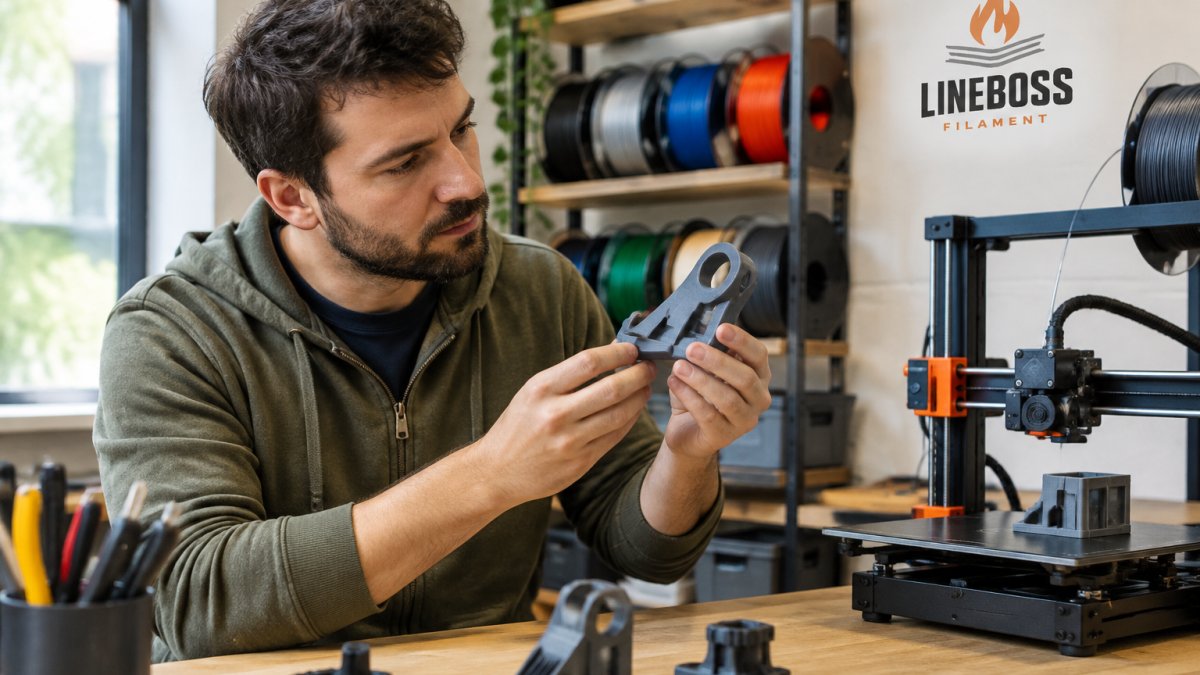
Throughput depends on print speed, print reliability, and how fast you can restart after a failure.
Material consistency matters just as much on a farm. For readers scaling up, the print farm supply page shows what supports high-volume workflows.
Finding the Best 3D Printer for Professionals: A Workflow Test
A useful way to evaluate a printer is to run a workflow test rather than rely on a spec sheet. Run a simple trial before committing budget.
- Print your own largest part, not a benchmark model
- Run a 20-hour unattended job and check failure recovery
- Switch materials twice and time the changeover
- Print with an abrasive filament and inspect nozzle wear
- Order a spare part and time its delivery
- Slice a real CAD file in your usual slicer software
- Check offline mode and network independence
Each item maps to a real production risk. The test is not pass/fail on features; it is a way to price downtime before you buy.
What Each Test Actually Measures
Largest part. Printing your own part, not a benchmark, exposes whether the usable build volume matches the advertised volume.
Material changeover. Switching materials twice measures purge time, hotend swap time, and whether the slicer profile changes cleanly. On a farm, changeover time is a direct cost.
Abrasive filament. Printing a filled composite tests nozzle wear and whether the hotend path is hardened.
Spare part delivery. Ordering a wear item measures parts availability and documentation quality.
Slicer compatibility. Slicing a real CAD file in your usual slicer tests whether the machine depends on a proprietary workflow.
Decision Framework by Professional Workflow
Map the test results to the job you actually run:
- Prototyping: prioritize changeover speed and slicer compatibility over enclosure.
- Functional parts: prioritize enclosure, hardened hotend, and material range.
- Short-run production: prioritize unattended reliability and spare-parts access.
- Multicolor work: prioritize purge efficiency and waste handling, which affect material cost per part.
- Print-farm use: prioritize serviceability and consistent filament batches, because between-spool drift forces retuning.
Material consistency matters just as much on a farm. Spools that vary in diameter or moisture content force constant retuning, and that eats the time speed gains. LineBoss Filament vacuum-seals spools with desiccant and holds a +/-0.02mm diameter tolerance, which reduces the between-spool drift that farms fight. For readers scaling up, the print farm supply page shows what supports high-volume workflows.
Watch out: a machine that passes the workflow test in a quiet week can still fail under deadline pressure. Test during a real production week, not a slow one.
Choosing a Professional 3D Printer for Engineering Materials
A professional 3D printer for engineering materials must handle heat, abrasion, and stiffness without constant babysitting. That means a heated chamber or enclosure, a wear-resistant hotend path, and a motion system stiff enough to hold accuracy on functional parts.
Material-by-material, the limits differ:
- PETG handles brackets, jigs, and fixtures with low warping and good layer adhesion.
- PETG-CF adds stiffness and a low-sheen finish for tooling aids and housings, but the carbon fiber is abrasive and can wear standard brass nozzles. A hardened or wear-resistant nozzle is required.
- ASA and ABS suit outdoor and higher-temperature parts, but demand an enclosure and ventilation.
- TPU covers flexible parts and needs a direct-drive feeder for reliable extrusion.
The right filament choice starts with how the finished part will be used. A material that feels stiff is not automatically the best choice for impact resistance, and reinforcement does not establish a certified load or temperature rating.
Total Cost of Ownership: Printer, Materials, and Maintenance
Total cost of ownership is the purchase price plus filament, spare parts, maintenance time, and failed prints over the machine's working life. The sticker price is the smallest part of that sum.
At LineBoss Filament, PETG lists at $12.99 per 1 kg spool, PETG-CF at $18.99, ABS at $17.99, and ASA at $18.99. Mix materials and colors across a larger order to reach volume savings, and compare net spool weight and suitability rather than headline price alone.
Maintenance and moisture control are the hidden line items. A dryer such as the LineBoss HD100 at $34.99 pays for itself by protecting spools, and our guide to filament dryers explains what to look for. For a fuller breakdown, the 3D printing cost calculator helps model material and machine costs together.
LineBoss Filament and Dryer Prices
Matching Filament to the Job: The Best PETG Filament for 3D Printing
A PETG spool worth buying holds diameter tolerance, arrives dry, and prints consistently. PETG is a practical everyday choice for brackets, jigs, fixtures, and organizers.
Three things to check before buying a PETG spool:
- Tolerance. A tight diameter spec keeps extrusion even and reduces the tuning that eats production time.
- Moisture control. Vacuum sealing with desiccant protects the spool before first use.
- Starting settings. Product-specific guidance gives you a baseline to calibrate from, rather than a universal profile that fits no machine.
For a deeper look at tolerance and settings, see our guide on choosing the best PETG filament.
Building Your Alternative Setup with LineBoss Filament
Building an alternative setup starts with the material decision, because the filament you run determines the hardware you need.
- LineBoss PETG at $12.99 for functional parts, brackets, and fixtures
- LineBoss PETG-CF at $18.99 for rigid, low-sheen tooling aids and housings
- LineBoss ABS at $17.99 and LineBoss ASA at $18.99 for heat and outdoor work
- LineBoss HD100 dryer at $34.99 for moisture control between spools
Buy individual spools or mix materials and colors for volume savings, and use the LineBoss PETG product page when you are ready to build the setup. For abrasive composites, check nozzle requirements first. Keep spools sealed with desiccant, dry when needed, and record successful settings so repeat jobs are easier to reproduce.

Choosing a printer platform is only half the job. The other half is feeding it material that behaves the same way every spool, so your settings hold and your parts come out as designed.
Frequently Asked Questions
What should professionals compare when choosing a Prusa3D alternative?
Start with the parts you actually print. Compare build volume, whether the printer is enclosed for high-temperature materials, nozzle and feeder compatibility with abrasive filaments, and how easy spare parts are to source. Then look at total cost of ownership, including maintenance and material waste, rather than the sticker price alone. A printer that fits your workflow and material list will outperform one chosen on specifications by themselves.
Which 3D printers support engineering-grade materials?
Printers that combine an enclosed chamber, a hotend rated for higher temperatures, and hardened nozzles handle engineering materials best. Carbon-fiber-filled filaments like PETG-CF are abrasive and can wear standard brass nozzles, so a wear-resistant nozzle is a practical requirement. Confirm the printer and feeder support abrasive composite filament before buying. Check the material maker's guidance for temperature and cooling, then calibrate for your specific machine.
Can a professional 3D printer reliably print PETG?
PETG can be printed on many printers, and results depend on moisture control and calibration for your machine. Keep spools sealed with desiccant, dry when symptoms appear, and start from the spool label's guidance before adjusting temperature, flow, and retraction with small test prints. LineBoss PETG is a strong everyday choice for brackets, jigs, and fixtures.
How important are replacement parts and technical support for a professional 3D printer?
They matter as much as print quality once a machine is in production. Before buying, check that common wear items are available and that you can get setup questions answered.
